

Editing
December 3, 2025 · Last updated on December 6, 2025
Inside Bootcamp day 1: A deep dive into your creative tools

# Bootcamp
A closer look at the tools, workflows, and resources covered in your first day of Bootcamp
Welcome to Day 1 of HeyGen Bootcamp!
Today’s sessions introduce the essential skills that power fast, high-quality video creation with avatars, AI voices, translation, and interactivity. This guide gives you an overview of each skill pillar along with related resources you can explore after the session.
What’s covered in this Bootcamp
- Creating professional avatars ( session recording )
- Perfecting your AI voice ( session recording )
- Streamlining your creative workflow ( session recording )
- Editing for engagement ( session recording )
- Scaling your message globally ( session recording )
- Personalization and interactivity( session recording )
Create professional avatars
Speakers: Adam Halper, Nik Nolte | 9:15 AM–10:00 AM PST
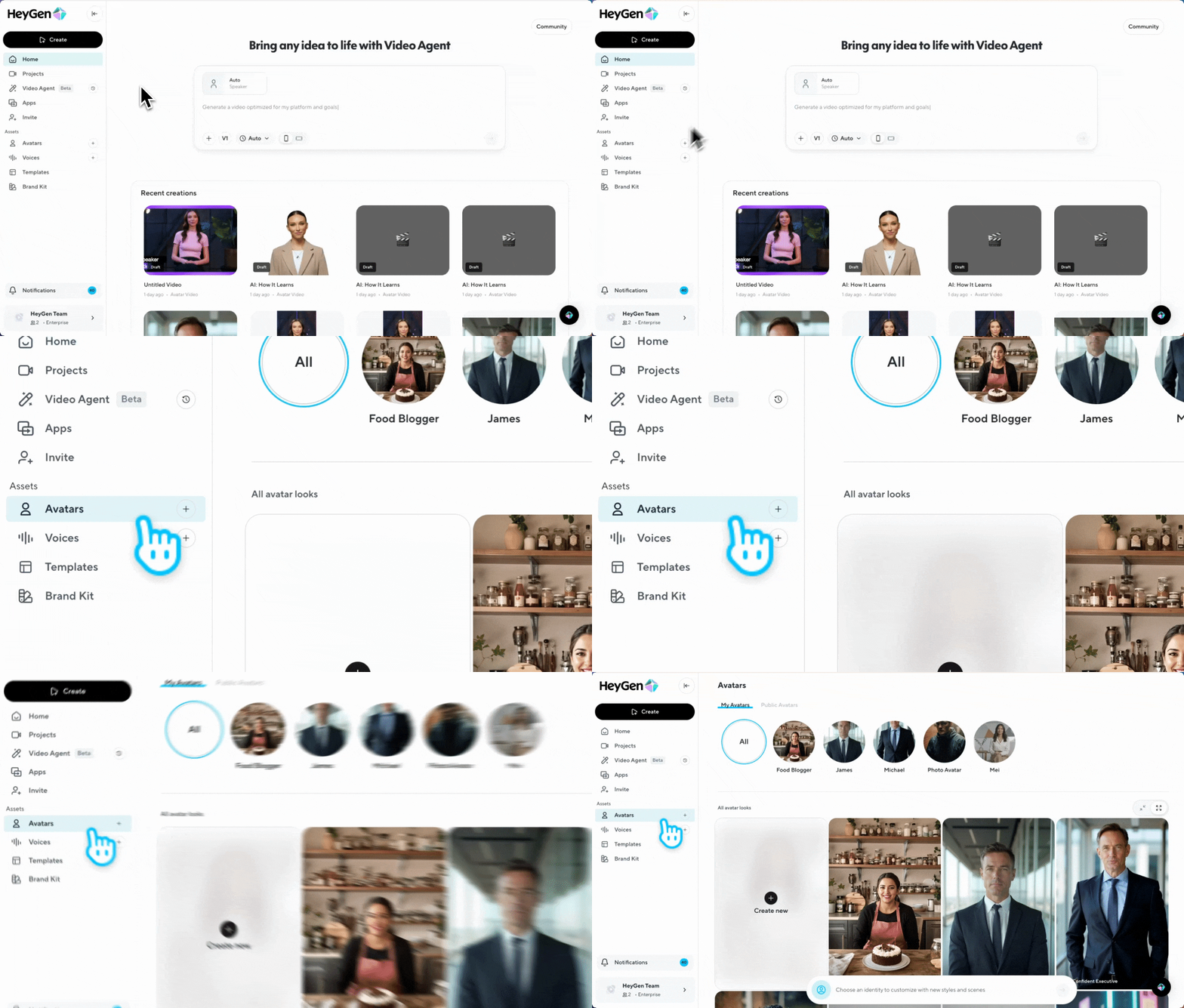
This session covers how to capture high-quality avatar footage using the right environment, lighting, framing, and recording tools. You’ll learn how webcam, smartphone, and DSLR inputs affect fidelity, and how to create additional Looks to expand your on-camera presence.
Perfect your AI voice
Speakers: Adam Halper, John Wu | 10:00 AM–10:30 AM PST
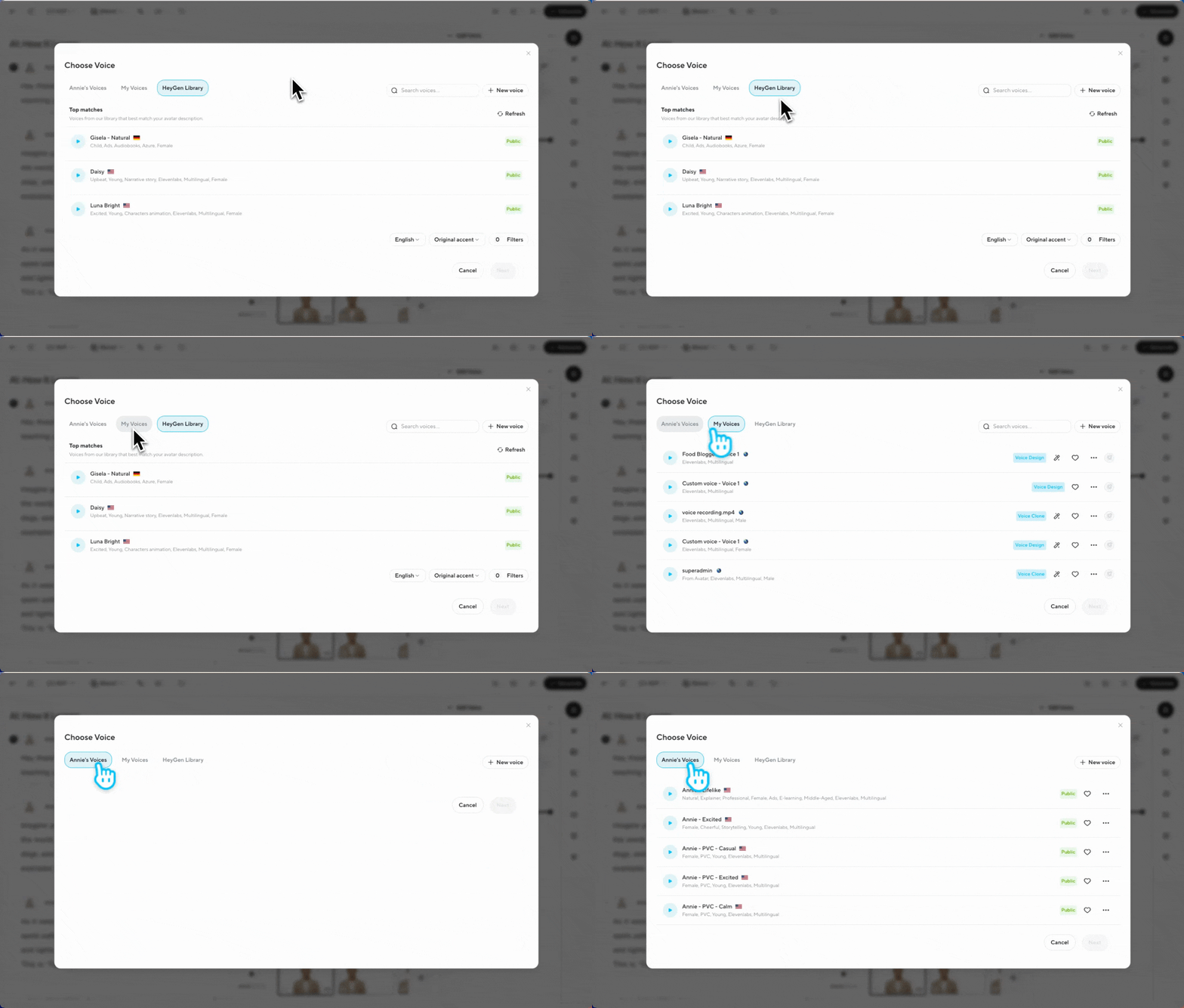
Learn how to create natural, expressive voiceovers using Instant Voice Cloning and HeyGen’s directing tools. This session highlights how recording quality, pronunciation tools, and emotion controls shape your final voice output.
Streamline your creative workflow
Speakers: Bin Liu, April Cho | 10:30 AM–11:00 AM PST
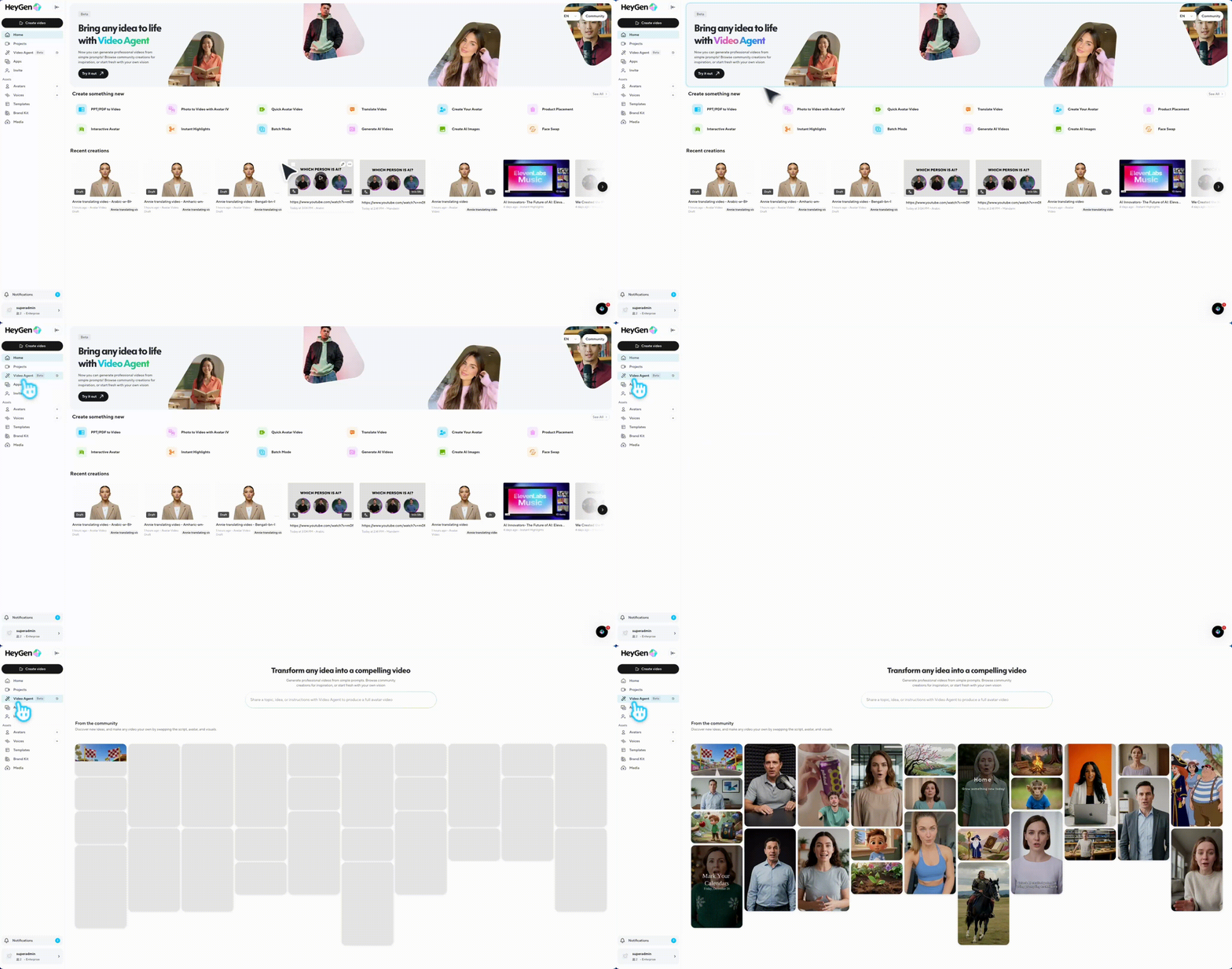
Discover how to turn scripts, prompts, PDFs, and existing assets into complete videos in minutes using Video Agent. This session shows how to repurpose content and accelerate production with automated workflows.
To help you get even more out of Video Agent, we recently introduced two new prompt tools:
Video Agent prompt assistant
Instantly generates complete, personalized prompts from any topic so you can start video production without guesswork.
Prompt Library
A ready-to-use collection of proven prompts you can copy and paste directly into Video Agent for faster, more consistent results.
Both tools are designed to simplify video creation and speed up production, whether you’re making explainers, onboarding clips, training content, or campaign videos.
Editing for engagement
Speakers: Leo Rofe, Onee Yekeh | 11:30 AM–12:00 PM PST
Learn how to shape your video using HeyGen’s editor, from scene structure to visual customization. You’ll see how environments, motion tools, B-roll, and captions work together to create more engaging final videos.

Scale your message globally
Speakers: Onee Yekeh, Andrei Gusev | 12:00 PM–12:30 PM PST
This session focuses on translating and localizing videos to reach global audiences. You’ll learn how language settings, lip sync, accent controls, and translation review come together for a natural, localized result.
Explore more:
How to translate and localize your existing videos in HeyGen
How to use the multi-lingual player in HeyGen
Personalization and Interactivity
Speakers: Karina Jhangiani, Kevin Raheja | 12:30 PM–1:00 PM PST
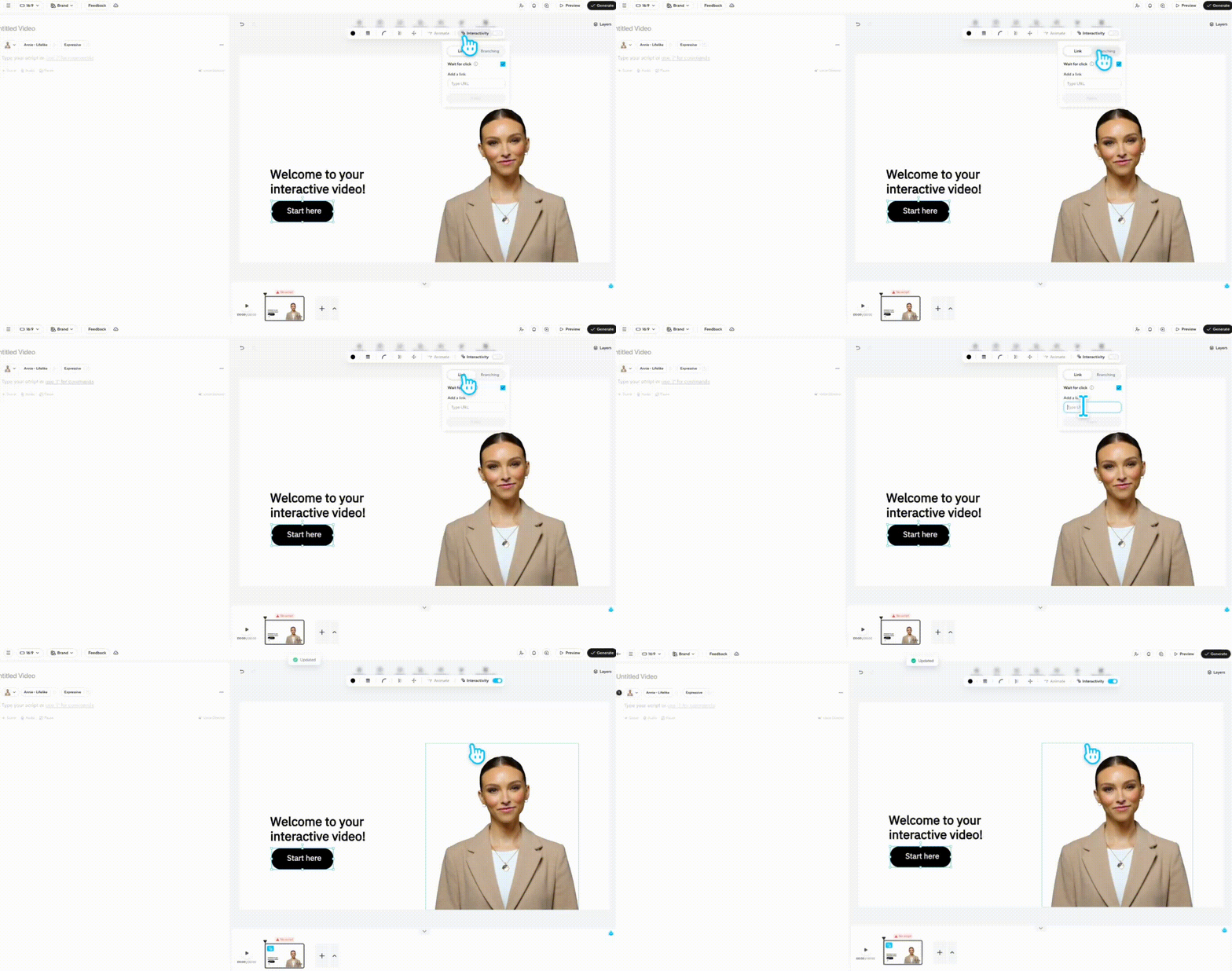
See how to create personalized and interactive video experiences at scale. This session explores click-through videos, branching logic, dynamic personalization, and automating production with API-based workflows.
You’ve now got a quick snapshot of every core skill covered in Day 1. As you move through Bootcamp, feel free to revisit these guides, explore the tools hands-on, and build confidence with each workflow.
We’re excited to see what you create next!
Comments (10)
Popular

Dive in