

Account Management
October 22, 2024 · Last updated on May 15, 2026
How to get started with HeyGen: from account setup to video creation

# Translation
# AI Studio
-
Need videos for your business but don't have the budget or the patience for traditional video production? HeyGen is the solution.
With HeyGen, you can create professional-looking videos without the hassle of cameras, actors, or expensive editing software. Simply write your script and let our AI do the rest.
What’s covered in this guide
- What is HeyGen?
- HeyGen subscription plans
- Creating an account
- Making your first video
- Translating a video
What is HeyGen?
At HeyGen, our mission is to make visual storytelling accessible to all. We believe you shouldn't need fancy equipment or infinite resources to share your best ideas with the world.
Over 1 billion hours of videos are watched daily on YouTube, and the average person watches 17 hours of video each week.

Think about it: if your business wants customers, it needs videos. But traditional video production can be a nightmare. Cameras, actors, locations, editing software, reshoots...it all adds up.
And the cost? At least $1,000 per minute.

That's where HeyGen comes in. We've revolutionized video creation by using AI to remove the barriers. No camera, no budget, no headaches. Just write your script and let our AI do the rest.
HeyGen subscription plans
HeyGen offers a range of credit-based plans to fit your needs, whether you're a solo creator or part of a large organization.
Our Free plan is perfect for those just starting out. You can create up to 3 videos per month, each up to 3 minutes long, at 720p.
Our Creator plan ($29/month) gives you 600 credits per month, 1080p exports, videos up to 30 minutes, voice cloning, and watermark removal. Credits roll over for one additional billing cycle if unused.
Our Pro plan (starting at $49/month) offers 1,000–100,000 credits per month depending on your usage tier, 4K exports, videos up to 30 minutes, and an annual billing option. It's ideal for individuals creating at higher volume.
And for large organizations, our Enterprise plan offers unlimited videos with no duration limits, 4k exports, custom Studio Avatars, and enterprise-level security.
Our Business plan ($149/month) includes 1,500 credits per month, videos up to 60 minutes, 4K export, 5 Custom Digital Twins, team seats, and flexible credit top-ups.
For large organizations with custom needs, our Enterprise plan offers tailored pricing, dedicated support, and enterprise-grade security. Contact our team to learn more.
Each plan scales with your growth, ensuring you have the tools you need at every stage of your video creation journey.
Create a HeyGen account
Ready to get started with HeyGen? Let’s create your HeyGen account.
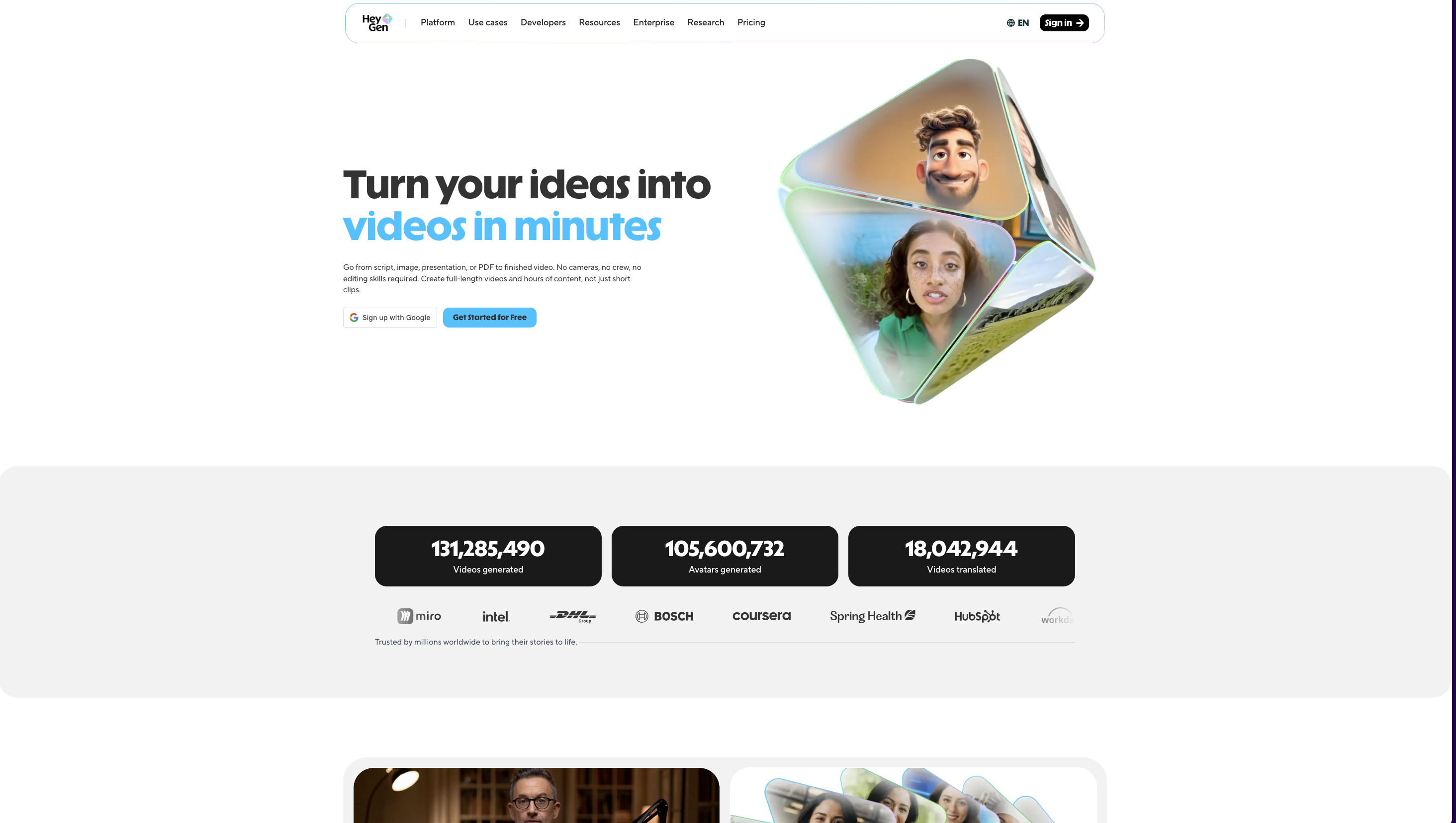
In the top right corner, click ‘Get Started.’
Next, enter your email address. We recommend using a work email for easy collaboration with your team. Press ‘Send Code’ and then check your email to verify your account.
Alternatively, you can log in with your Google or Facebook account.
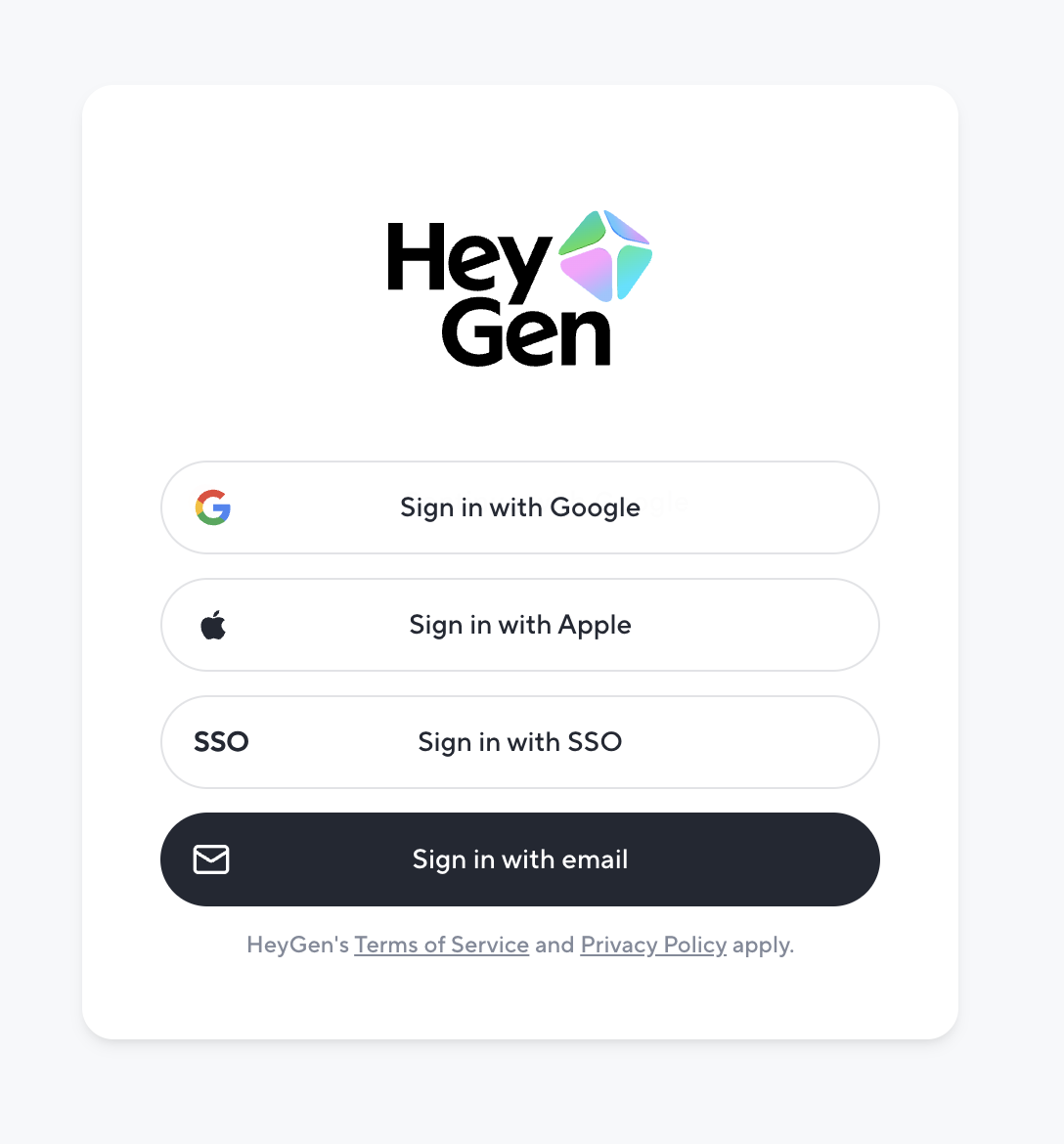
And that’s it! You now have access to a free HeyGen account, which you can upgrade at any time to unlock even more video creation possibilities.
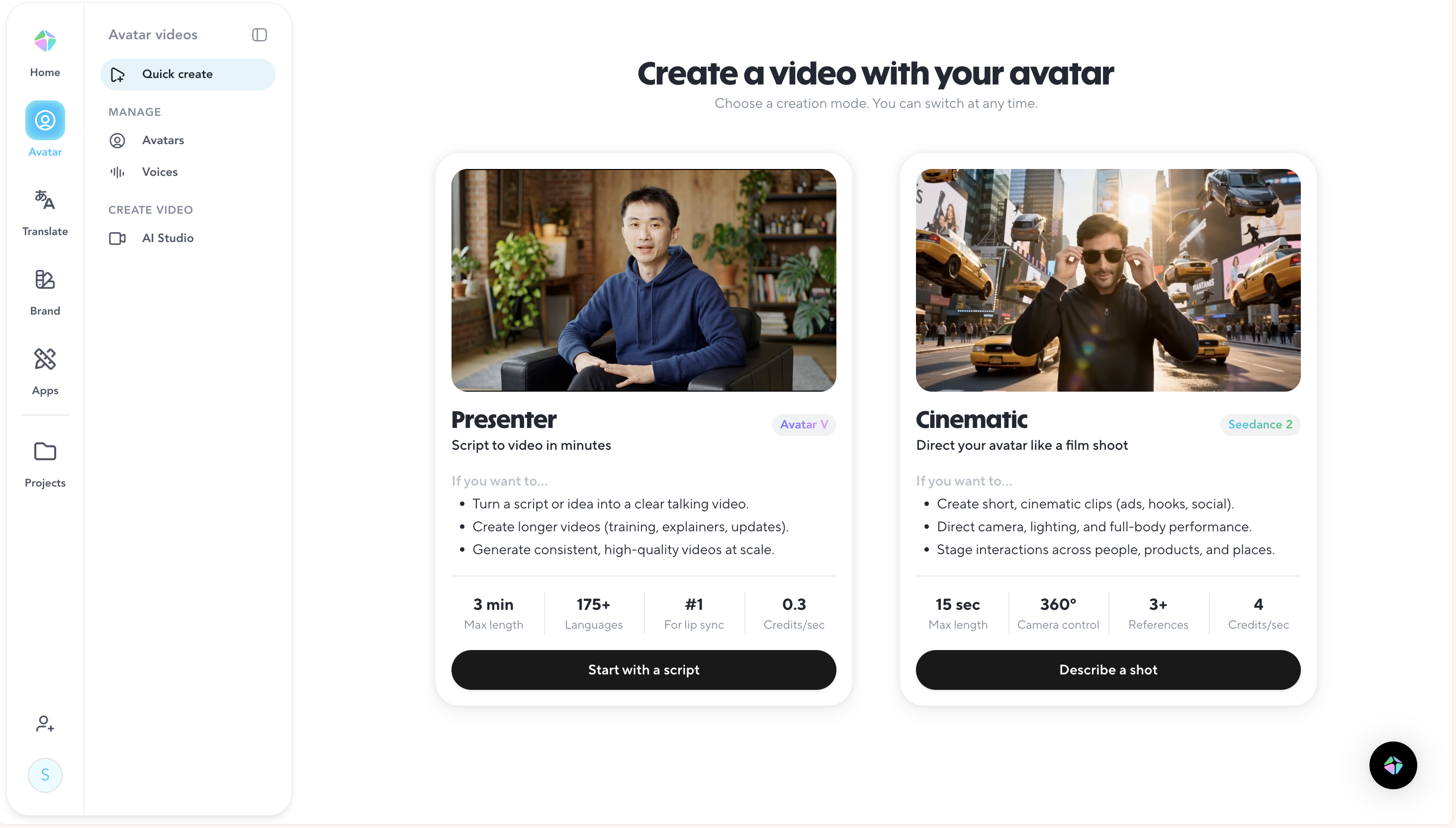
Create your first video in HeyGen
Once you're in, click Create Video to open AI Studio, HeyGen's script-based editor where you can choose a template, pick an avatar, add your script, and generate a polished video without any editing experience.
When you're ready, hit Submit and your video will be processed and available in your library. Note that submitting a video draws from your plan's monthly credit balance, the amount depends on the feature and video length (for example, Avatar III costs 3 credits/min and Avatar IV costs 20 credits/min).
For a full walkthrough of AI Studio's editing tools, avatars, captions, and collaboration features, visit our Intro to AI Studio guide.
Translate a video in HeyGen
HeyGen can translate your videos into 150+ languages with AI-powered lip sync, voice cloning, and subtitle options, helping you reach a global audience without reshooting a single scene.
Recap
We’ve covered a lot! In this guide, you learned:
- What is HeyGen?
- HeyGen subscription plans
- Creating an account
- Making your first video
- Translating your video
We’re looking forward to seeing what you’ll create with HeyGen!
If you’re posting your videos on social media, make sure to tag any videos you create with @HeyGen_Official so we can celebrate them with you.
Comment (1)
Popular

Dive in
Related
Video
HeyGen Product Demo: Getting Started with AI Video Creation
By Nav Singh • May 9th, 2025 • Views 266
Video
HeyGen Product Demo: Getting Started with AI Video Creation
By Nav Singh • May 13th, 2025 • Views 290
Video
HeyGen Product Demo: Getting Started with AI Video Creation
By Nav Singh • May 13th, 2025 • Views 290
Video
HeyGen Product Demo: Getting Started with AI Video Creation
By Nav Singh • May 9th, 2025 • Views 266