

HeyGen Academy
May 19, 2025 · Last updated on June 10, 2025
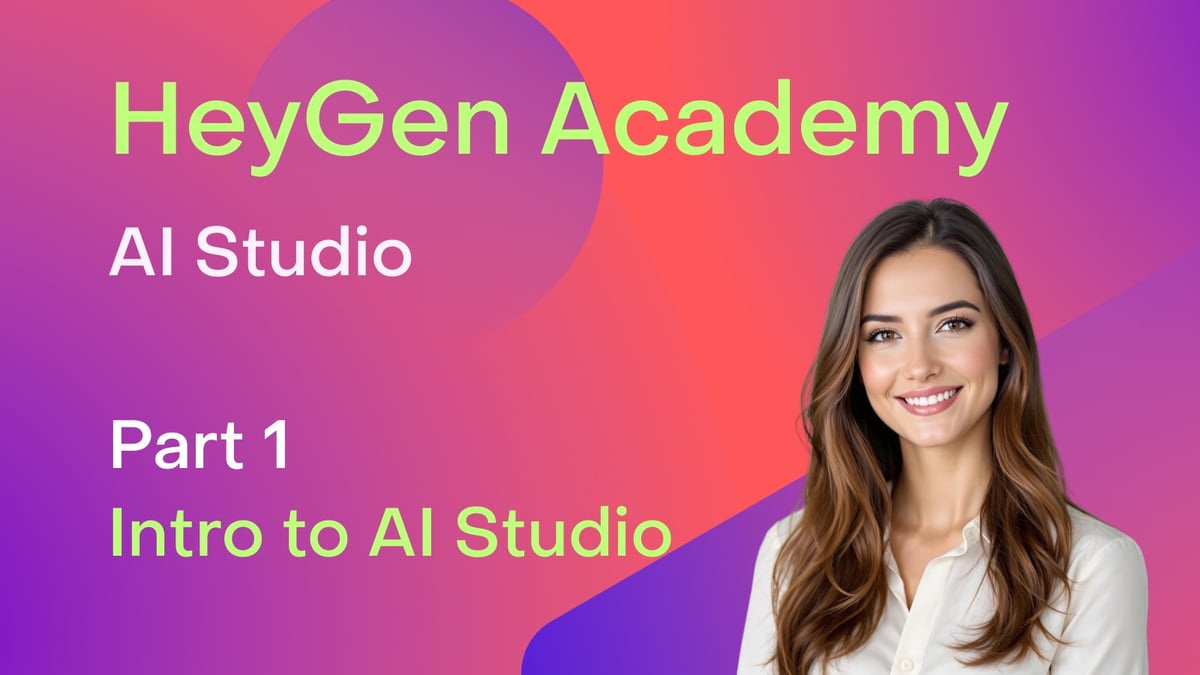
HeyGen Academy: AI Studio - Introduction to AI Studio (Part 1)
# Getting Started
# Editing
# AI Studio
A quick tour of HeyGen's AI Studio editor
Comments (9)
Popular

Dive in
Related
Guide
HeyGen Academy: AI Studio - AI Avatars: Customizing your Digital Spokesperson (Part 3)
May 19th, 2025 • Views 4.7K
Guide
HeyGen Academy: AI Studio - AI Voices & Advanced Voice Settings (Part 4)
May 19th, 2025 • Views 3.4K
Guide
HeyGen Academy: AI Studio - Perfecting your AI Video Scripts & Pronunciation (Part 2)
May 19th, 2025 • Views 7.1K
Guide
HeyGen Academy: AI Studio - AI Voices & Advanced Voice Settings (Part 4)
May 19th, 2025 • Views 3.4K
Guide
HeyGen Academy: AI Studio - Perfecting your AI Video Scripts & Pronunciation (Part 2)
May 19th, 2025 • Views 7.1K
Guide
HeyGen Academy: AI Studio - AI Avatars: Customizing your Digital Spokesperson (Part 3)
May 19th, 2025 • Views 4.7K